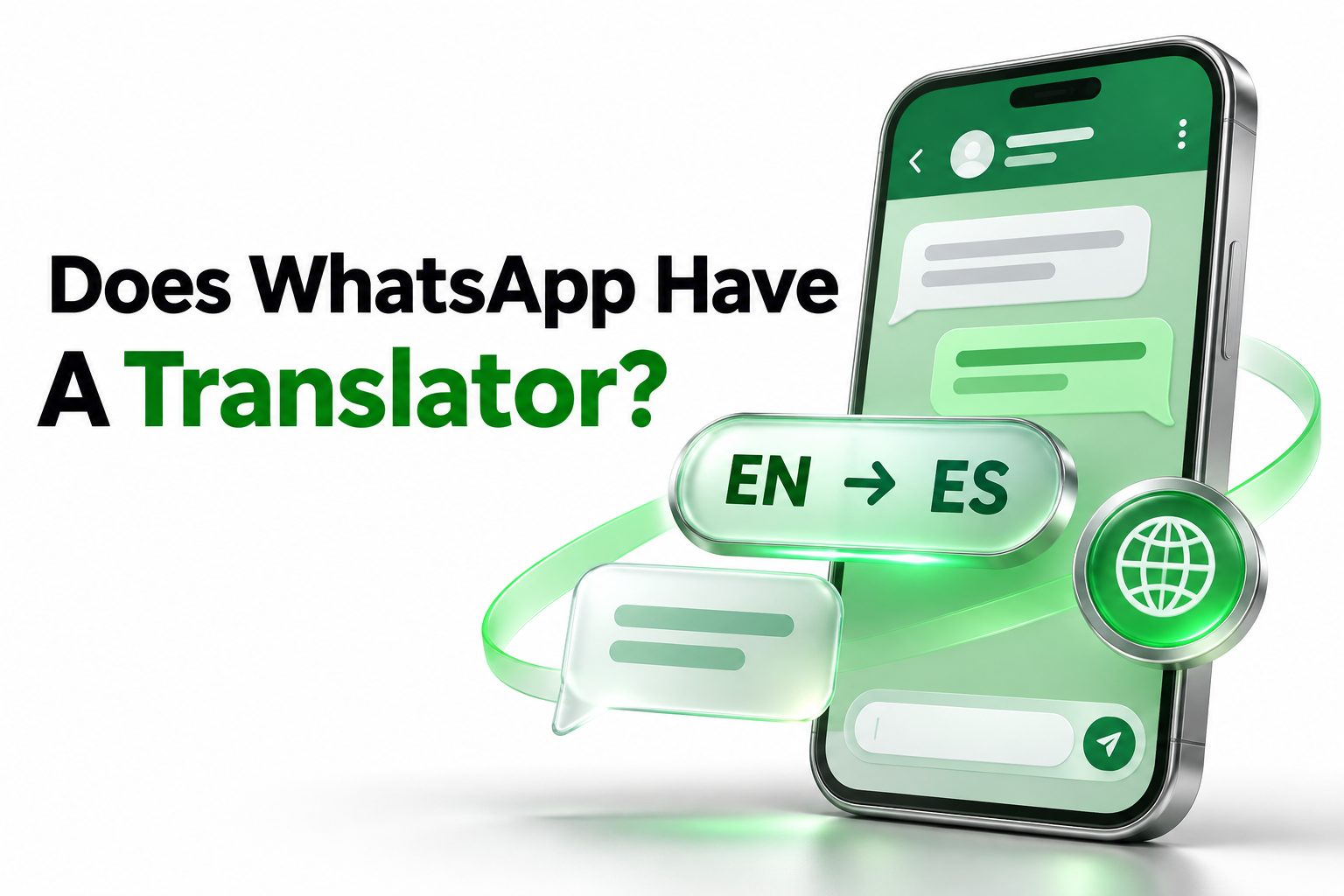
Does WhatsApp have a translator? Yes. WhatsApp now includes a built-in message translation feature for many users, letting you translate individual messages without copying them into another app. In supported chats, you can press and hold a message, choose Translate, select the language you need, and download a language pack for future use.
That is the short answer, but availability and capabilities can differ by device, app version, language, and region. Android and iPhone support different language selections, and the rollout may not reach every account at the same time. WhatsApp can also translate messages in one-to-one chats, group conversations, and Channels. Android users may have an option to translate incoming messages automatically within a specific chat.
This article explains where to find WhatsApp’s translation controls, how they work, what they cannot do, and when an alternative such as Google Translate or Apple Translate is a better fit. You will also find practical steps for handling voice notes, images, and translation errors without compromising more privacy than necessary.
WhatsApp’s Built-In Message Translation
WhatsApp’s translation tool is designed for written messages received in a chat. Rather than leaving the conversation, you can translate a message from its context menu and read the result where you are already talking. This is useful when coordinating travel, speaking with international customers, or keeping up with a multilingual family group.
The feature is not the same as changing the language of the WhatsApp interface. Changing the app language affects buttons, menus, and settings. Message translation changes the content of a selected message into a language you choose. Both settings can be helpful, but they solve separate problems.
Availability by Device and Language
WhatsApp has been rolling out message translations gradually, so the feature may not appear for every person immediately. Keep WhatsApp updated through the App Store or Google Play, then check again after restarting the app. A missing Translate option can simply mean your device or language pair is not supported yet.
At launch, Android offered translations in a smaller group of languages than iPhone. Language availability can expand over time, and some translations require a downloadable language package. Downloading it once makes later translations quicker and can allow the function to work without sending message content to a separate translation service.
Useful Checks Before You Start
- Update WhatsApp to the latest available version.
- Check that your phone has enough storage for a language download.
- Confirm that the message is text, not a voice note, image, sticker, or document.
- Select the correct source and target language when WhatsApp asks.
- Try a recent one-to-one chat first if the option does not appear in a group.
- Avoid relying on a translation alone for contracts, medical instructions, or other high-stakes details.
Translating a Message in WhatsApp
The basic process is simple, although the exact button names can vary slightly between Android and iPhone. Start in the chat containing the message you want to read. Long-press the message rather than tapping it once, since a normal tap only opens links or other message actions.
After choosing Translate, WhatsApp may ask you to select the original language and the language you want to read. It can also prompt you to download a language pack. Follow that prompt, wait for the download to complete, and then review the translated text before replying.
Steps for Android and iPhone
1. Open the individual chat, group, or Channel update containing the text.
2. Press and hold the message you want translated.
3. Tap Translate. On some devices, you may first need to open the additional actions menu.
4. Choose the language the message is written in and the language you want displayed.
5. Download the requested language package if prompted.
6. Read the translated result, then reply normally in the conversation.
A translated message is meant to help you grasp the meaning, not to replace judgment. Names, product codes, slang, regional expressions, and misspellings can confuse any translation system. For an important detail such as a meeting time, confirm it in simple language with the sender.
Automatic Translation for Android Chats
Android users may be able to turn on automatic translation for an entire chat. When enabled, future incoming messages in that specific conversation can be translated automatically. This can reduce repetitive long-pressing when you communicate regularly with someone who writes in another language.
Automatic translation is particularly helpful for a busy group, a client conversation, or a household chat where one language is used consistently. It is less useful in multilingual groups, where one target language may not suit every incoming message. Review the original message when wording seems unusual or unclear.
Privacy and On-Device Translation
A major advantage of WhatsApp’s built-in feature is that its message translations are processed on your device. WhatsApp describes the design as one that allows translations without WhatsApp seeing your chats. This matters because personal WhatsApp messages remain protected by end-to-end encryption.
That protection does not mean every translation method outside WhatsApp works the same way. If you copy a message into a web translator, share a screenshot with an app, or forward text to an AI assistant, you are voluntarily sending that content outside the original WhatsApp conversation. Read the privacy policy of the service you use.
When Built-In Translation Is a Better Choice
WhatsApp’s own tool is usually the most convenient option for short text messages that you need to understand quickly. It keeps the translation workflow in the chat and avoids copying personal messages into another service. Downloaded language support can also make it practical when your connection is weak.
It works best for everyday exchanges: confirming an address, chatting with a relative, following group updates, or responding to a customer’s simple question. For helpful ways to make messages clearer on both sides, see [Internal Link: WhatsApp messaging tips].
When External Translators Work Better
A dedicated translation app can be better for longer text, documents, photographs containing text, or conversations that need multiple translation choices. Google Translate and Apple Translate, where available, may provide camera translation, copied-text translation, speech features, and alternative wording that helps clarify an ambiguous result.
Use external tools thoughtfully. Remove private information before pasting it into a third-party site whenever possible. For sensitive business, legal, financial, or medical content, use a qualified human translator or ask the sender to clarify the original message in plain language.
Quick Comparison of Translation Options
| Method | Best for | Main limitation |
|—|—|—|
| WhatsApp message translation | Reading a text message inside a chat | Availability depends on device, languages, and rollout |
| Android automatic chat translation | Regular incoming messages in one language | May be confusing in mixed-language groups |
| Google Translate | Copying text, camera translation, and broader tool options | Content leaves WhatsApp when you paste or share it |
| Apple Translate | Device-based translation on supported Apple devices | Availability varies by device, language, and region |
| Human translation | Legal, medical, contractual, or nuanced communication | Slower and may cost money |
Translating Voice Notes and Media
WhatsApp’s message translation feature is for written messages. A voice note is not automatically translated in the same way. WhatsApp does offer voice message transcripts on supported devices and languages, which turn a recording into text. Once you can read the transcript, you may be able to use an appropriate translation method for its content.
Photos, screenshots, stickers, and scanned documents require a different approach. You may need to use your phone’s built-in text recognition, a camera translation tool, or an external translation app. Be careful when handling identity documents, invoices, medical images, or private photos because image-based translation can involve uploading the file to another service.
A Practical Voice Note Workflow
First, enable WhatsApp voice message transcripts if the feature is available on your phone. In WhatsApp settings, look under Chats for Voice Message Transcripts, choose the language most commonly used in the voice notes you receive, and allow the language file to download.
Next, press and hold the voice message, select Transcribe, and wait for the text to appear. Check the transcription before translating it, because background noise, accents, overlapping voices, and informal speech can produce mistakes. Ask the sender to type the key information if the transcript is difficult to follow.
Common Translation Problems and Fixes
A missing Translate command is the problem most people encounter. Update WhatsApp first, then check whether the feature has reached your account and supports the language you need. Do not confuse it with a missing option to change WhatsApp’s interface language, which is controlled separately in your phone or app settings.
Poor translations usually come from incomplete context rather than a broken app. Try translating a full sentence instead of a single fragment. If the sender used slang, abbreviations, or voice-to-text errors, ask them to rephrase the message. Clearer source text produces a more reliable result.
Problems Worth Checking
- The Translate option is absent: Update WhatsApp and verify that the rollout supports your device and language.
- The wrong language is detected: Manually select the source language instead of accepting the default.
- A language download fails: Switch to a reliable Wi-Fi connection, free storage space, and try again.
- The translation sounds unnatural: Translate the complete sentence or ask for a simpler rewrite.
- Group messages are mixed up: Use individual translation instead of automatic chat translation.
- A voice note will not translate: Transcribe it first, then translate the resulting text if appropriate.
Writing Replies That Translate Well
Translation becomes more accurate when the original reply is direct and complete. Short sentences are useful, but overly clipped phrases can lose meaning across languages. Write “I will arrive at 3 p.m. on Tuesday” instead of “Tuesday 3?” when timing matters.
Avoid humor, local idioms, sarcasm, and unexplained abbreviations in important conversations. A phrase that feels friendly in one language may become confusing or overly blunt in another. Use names, dates, prices, quantities, and addresses in a clear format, then invite the recipient to confirm the key detail.
Examples of Clearer WhatsApp Messages
Instead of writing, “I’ll sort it later,” write, “I will send the invoice by 5 p.m. today.” The second version gives a translator less room to guess and tells the reader exactly what will happen.
Instead of saying, “Meet by the old place,” write, “Please meet me outside the main entrance of Central Station at 10:30 a.m.” Concrete location and time details reduce misunderstandings in every language.
For business exchanges, create reusable, plain-language message templates for common requests, delivery updates, and payment reminders. You can also direct readers to [Internal Link: customer service messaging best practices] for ideas on keeping WhatsApp conversations professional and easy to follow.
Limits That Matter in Important Conversations
Machine translation is useful, but it cannot reliably interpret every cultural reference, technical term, or emotional nuance. A word can have several meanings, and a translator may choose the wrong one without enough context. That risk increases when a conversation contains dialects, typos, jokes, or specialized vocabulary.
Do not use WhatsApp translation as the only basis for signing an agreement, taking medicine, sending money, confirming immigration details, or responding to an emergency. In these situations, request clarification in writing, involve a fluent speaker, or use professional translation support. Convenience should not outweigh accuracy when the consequences are serious.
Conclusion
WhatsApp can translate written messages directly in supported chats, making it easier to communicate across languages without constantly switching apps. Press and hold a text message, select Translate, choose the languages, and download any required language pack. Android users may also see automatic translation for specific conversations.
The feature is especially useful for casual personal chats, travel coordination, community groups, and straightforward customer messages. Its on-device design is also a practical privacy benefit compared with copying chat content into an unrelated website. Still, availability may differ by platform, country, app version, and language, so keeping WhatsApp updated is important.
For voice notes and images, use transcription or text-recognition tools first, then verify the result carefully. The most dependable conversations pair translation with clear writing and confirmation of important details. So, does whatsapp have a translator? Yes—but treat it as a helpful communication aid, not a substitute for expert interpretation when accuracy truly matters.
Frequently Asked Questions
Can WhatsApp translate messages automatically?
Yes, some Android users can enable automatic translation for a specific chat. Future incoming messages in that conversation are translated automatically. The feature may not be available on every device, account, language, or region.
Does WhatsApp translate voice messages?
Not directly as message translation. On supported devices, WhatsApp can transcribe a voice message into text. You can then read the transcript and use a translation option if needed, while checking carefully for transcription errors.
Is WhatsApp translation private?
WhatsApp says its built-in message translations are processed on your device, so WhatsApp cannot see the translated chat content. Copying messages into an external translator is different and may share text with that service.
Why is Translate missing in WhatsApp?
The feature may not have reached your account, device, region, or language pair yet. Update WhatsApp, restart the app, and check again. Also make sure you are long-pressing a written message rather than media or a voice note.
Can WhatsApp translate group messages?
Yes, built-in message translation can work in group chats as well as individual chats and Channel updates. Translate each message you need, or use Android’s automatic chat translation only when the group primarily uses one language.



Leave a Comment